Client information protection
Does Your Shared Calendar Contain More Than Appointments?
A name, address or phone number does not have to be classified as sensitive to require protection.
When a calendar becomes a client database
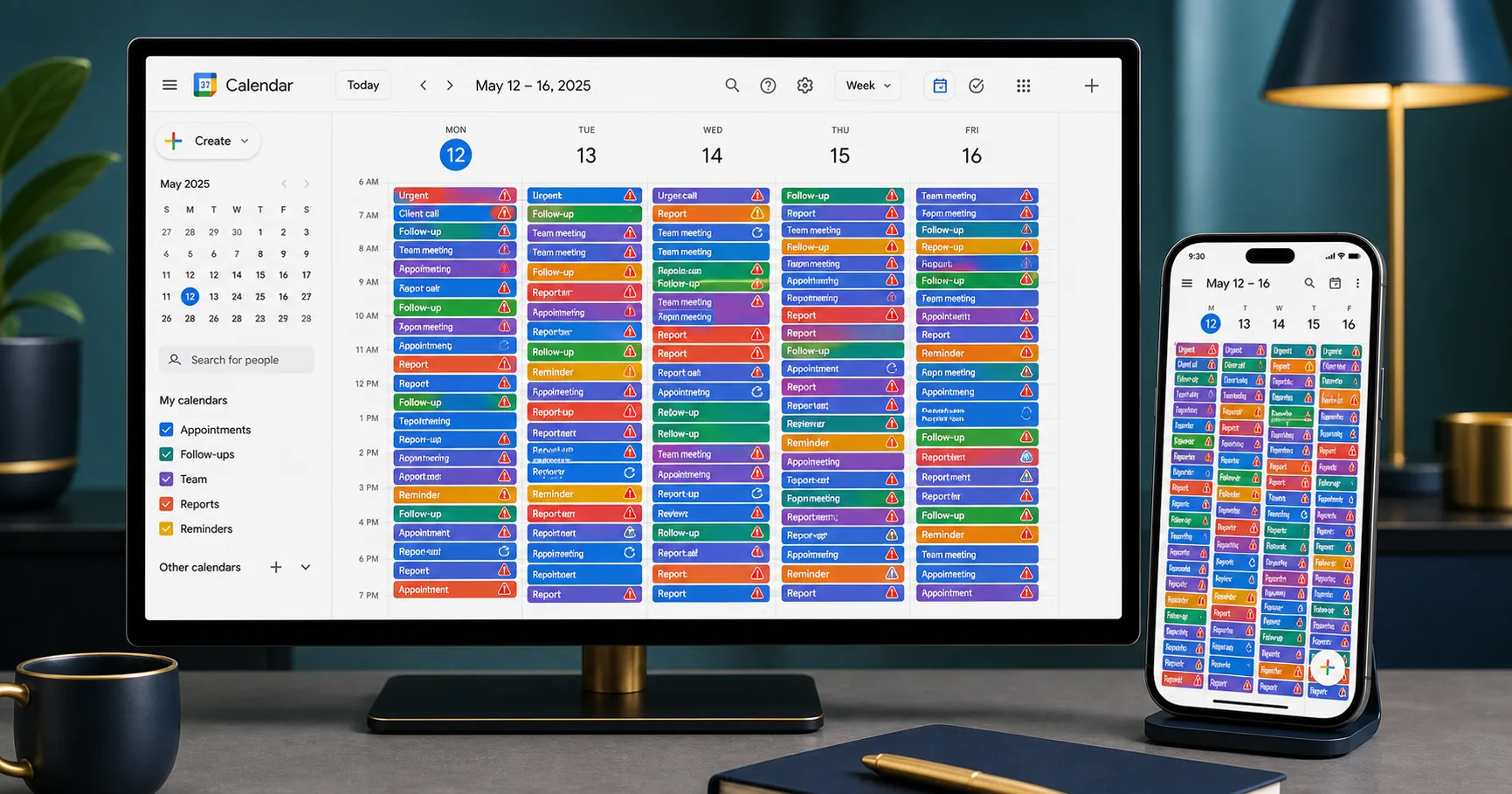
Google Calendar is practical, accessible and easy to share. For someone organizing personal activities, it may be exactly what is needed. In a business, however, its role can expand quickly. One employee enters a client’s name, another adds a phone number, and soon the calendar includes an address, email and notes for follow-up. Without a deliberate management decision, the calendar stops being only a schedule and becomes a client database. The business must then ask whether it is still using a simple calendar or managing personal information.
Information does not have to be sensitive to require protection
A client’s name, home address, phone number and email address are personal information when they identify that person directly or indirectly. They are not automatically classified as sensitive, but that does not mean they can be shared freely. The Commission d’accès à l’information du Québec states that personal information is confidential. A business must therefore govern how it is collected, used, accessed, retained and destroyed.
Are the address and phone number necessary in the calendar?
Compare two events. The first says: ‘Marie Tremblay — consultation, Tuesday at 10 a.m.’ The second adds a phone number and home address. Both contain personal information, but the second exposes more of it to everyone who can see the calendar. If the meeting takes place at the business, is the home address necessary in the event? Does every user need the phone number? Could those details remain in a better-protected client record? When an address is necessary, such as for an on-site visit, access should be limited to the people who need it.
Every authorized user is also an access point
In a properly shared calendar, employees do not all use the same password. An administrator authorizes each person, who signs in with an individual account. This is better than sharing one account, but it does not remove the risk. Every authorized user is also an independent access point. If ten people can see the calendar, the business must account for ten accounts and several computers, phones and active sessions. A phishing email, lost phone, open session, mistaken share or former employee’s access could expose the information.
Connected applications are access points too
A calendar may connect to a booking system, mobile application, videoconferencing tool, browser extension or AI assistant. These connections make work easier, but they also create new access paths. Before approving an application, the business should understand which calendars it can see, what information it can read, which actions it may perform, whether it keeps a copy of the data and how to revoke its access completely.
The Gemini and Google Calendar example
On January 19, 2026, Miggo Security researchers published a demonstration involving Google Calendar and Gemini. They hid a malicious instruction in a calendar invitation. When the user later asked Gemini whether they were free, the assistant read the events and could interpret the hidden instruction as a command. The researchers demonstrated that Gemini could summarize private meetings and place that information into a new event accessible to the attacker. This was not a confirmed mass theft of client data; it was security research. Miggo says it disclosed the vulnerability to Google, which confirmed the findings and applied mitigations. The example shows that an incident does not always begin with a stolen master password: an application can be manipulated into using permissions it already has.
Google Drive is not automatically a calendar backup
Google Drive and Google Calendar are separate services. Keeping documents in Drive does not automatically create a backup of Calendar events. Synchronization across several devices is not an independent backup either: a deletion or change may propagate. Google allows users to export a calendar to an .ics file, but a one-time export does not necessarily replace a planned, protected and tested recovery process. A business should know what it would lose if the calendar became unavailable, who is responsible for backups and how long restoration would take.
What Quebec’s Law 25 requires
Law 25 does not require businesses to protect only the most sensitive information. A business must use reasonable security measures that reflect factors such as the information’s sensitivity, quantity, purpose, distribution and storage medium. It must determine why each item is collected, limit collection to what is necessary, control access, establish retention periods and respond to confidentiality incidents. Client consent does not automatically justify collecting unnecessary information. If information is communicated or stored outside Quebec, the business must also review the applicable requirements, including a privacy impact assessment.
A simple review to do this week
Open your shared calendar and review ten recent appointments. Identify the personal information recorded in them, ask whether every detail is necessary, check who can see each event and which applications can also read it. Then confirm where complete contact details should be stored and how you would recover the information after a deletion or loss of access.
- Which personal details appear in calendar events?
- Is every detail necessary in the calendar?
- Who can see each calendar?
- Which applications can read it too?
- Where should complete contact details be kept?
- How would the data be recovered?
The POWERME perspective
Google Calendar can be an excellent planning tool. The problem begins when it becomes the company’s main client database without access controls, retention rules or a genuine backup. Ease of use does not replace a professional structure. A name, address, phone number or email may seem ordinary, but it remains the client’s personal information. When the calendar becomes a client database, it is time to review what is entered, who can see it, which applications are connected, how information is backed up and where detailed client records belong.
Original sources
- Commission d’accès à l’information du Québec — What is personal information? ↗
- Commission d’accès à l’information du Québec — Collection of personal information ↗
- Légis Québec — Section 17: communicating personal information outside Québec ↗
- Commission d’accès à l’information du Québec — Use and communication of personal information ↗
- Miggo Security — Weaponizing Calendar Invites, January 19, 2026 ↗
- Google — Export events from Google Calendar ↗
Caution: This article provides general information. It is not legal advice or a security assessment tailored to a specific business.
Useful adoption starts with the right question.
Which process adds the most pressure to your team today?
Request a free consultation